Focus Scene Kit — Offline OBS Timer & Tasks
A downloadable tool for Windows, macOS, and Linux
Give your study, work or art stream a calm place to focus.
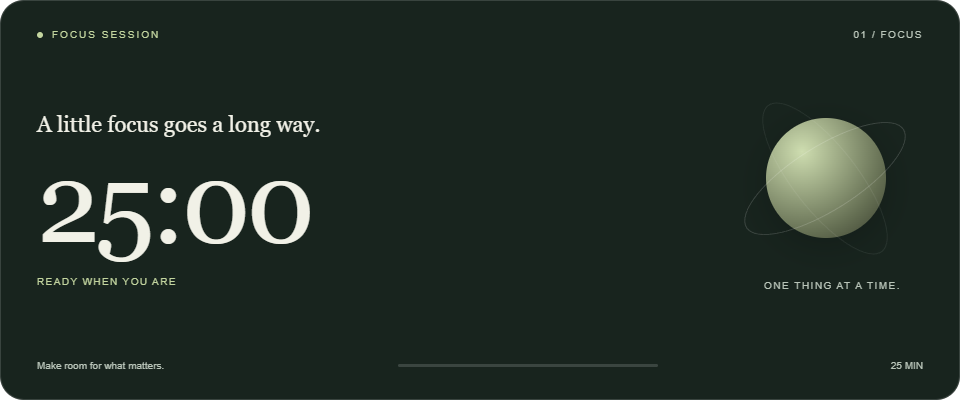
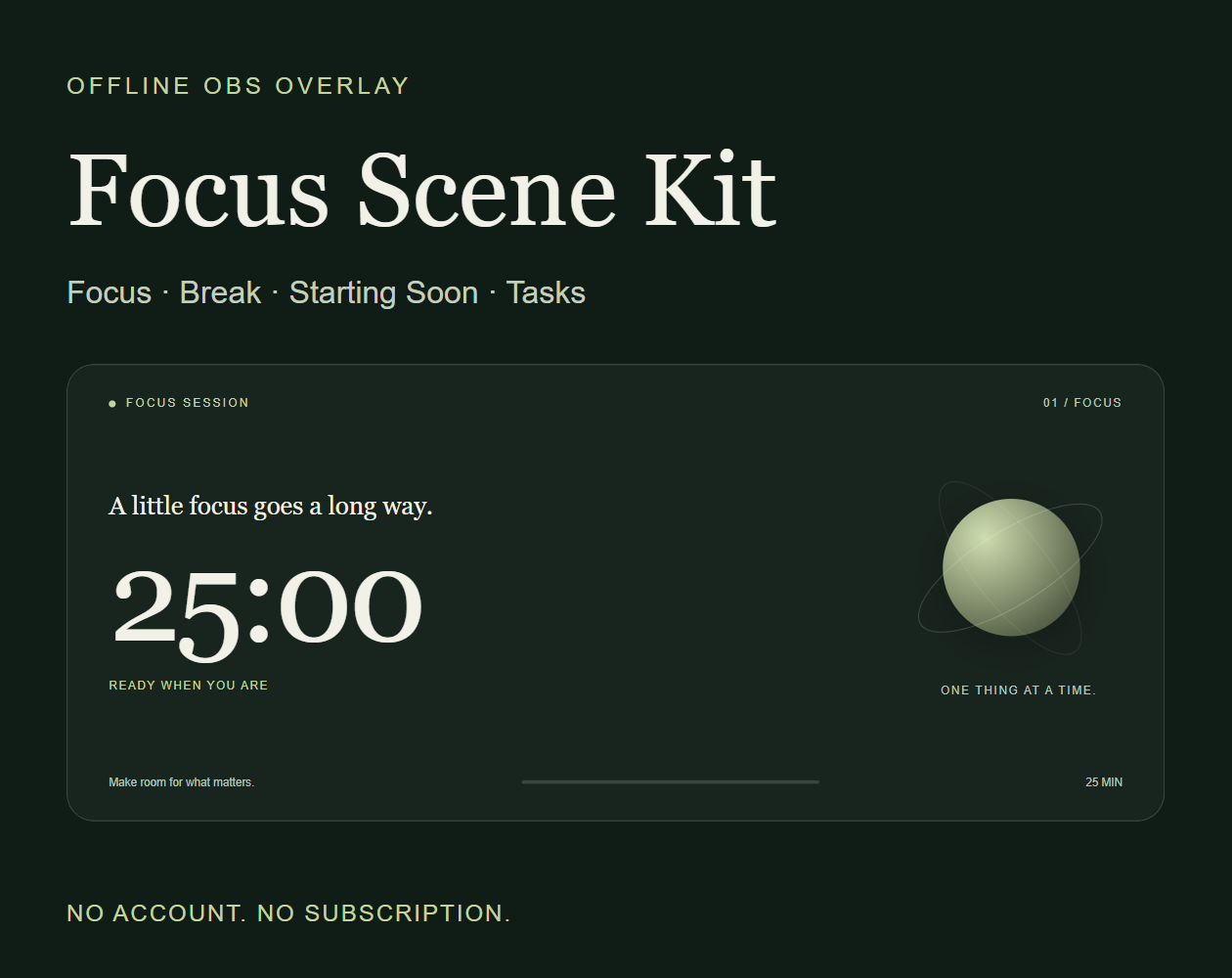
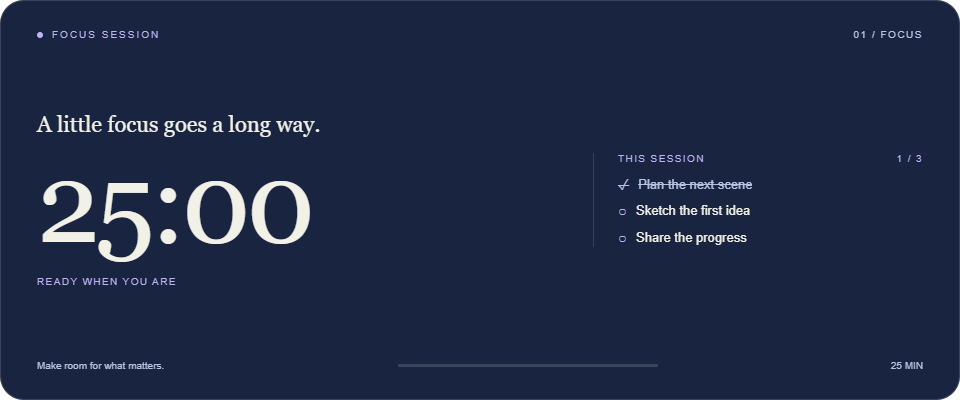
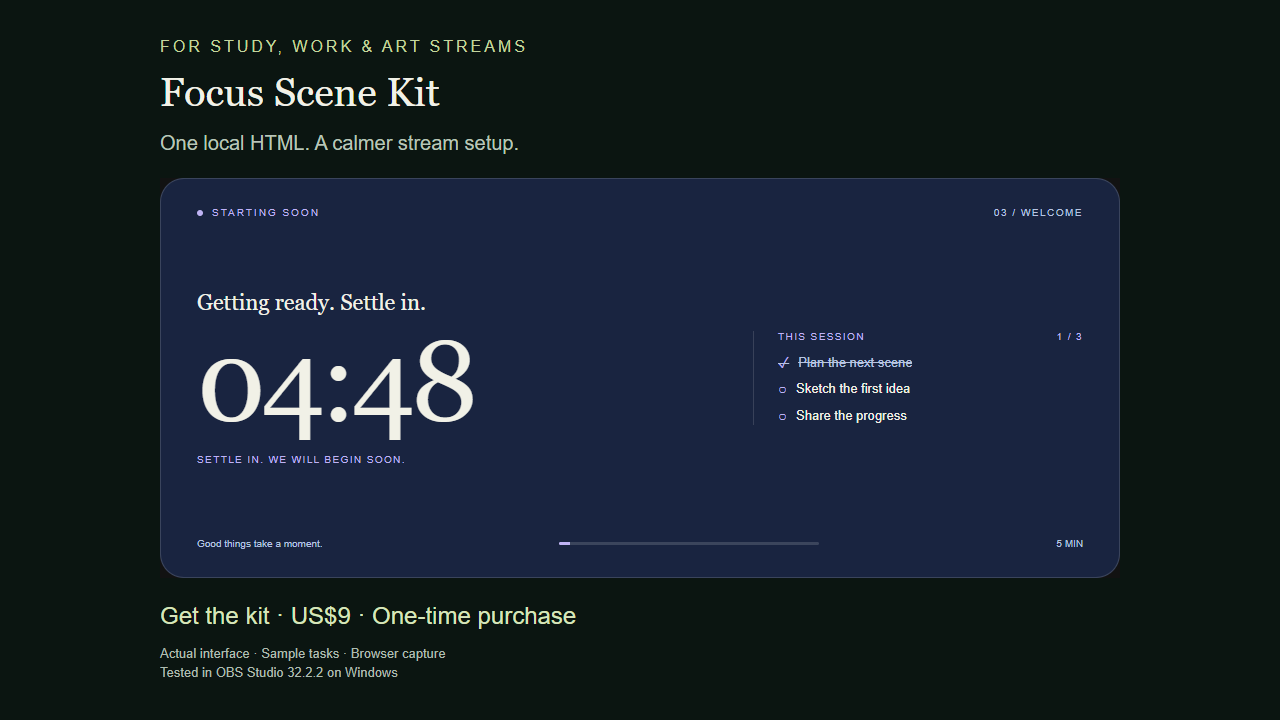
Focus Scene Kit combines a focus timer, a break timer, a Starting Soon screen and a session task list in one local OBS browser source.
What you can do
- Set separate focus, break and Starting Soon durations from 1 to 180 minutes.
- Start, pause, resume and reset your session. At zero, choose your next session yourself.
- Add up to six tasks. Edit, complete, reopen or delete them without resetting your timer.
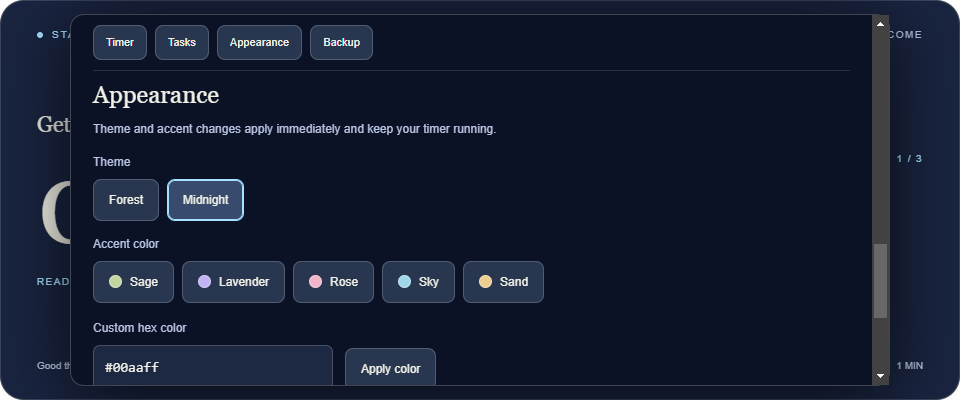
- Choose Forest or Midnight, five accent presets or your own hex color.
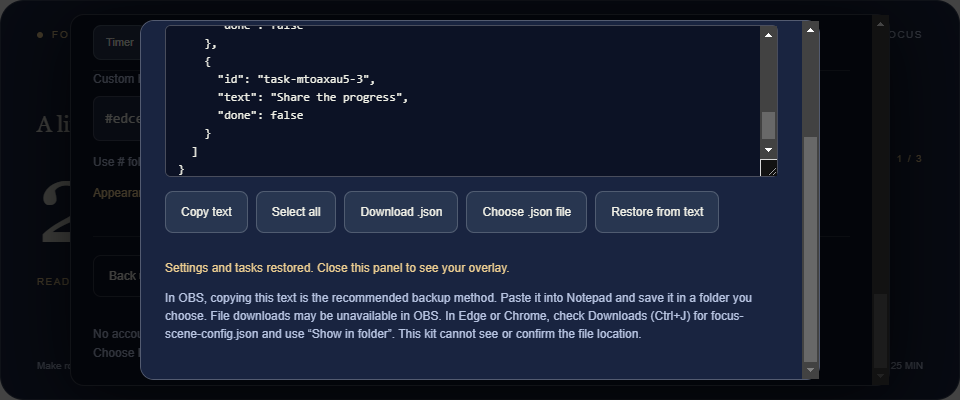
- Back up your settings and tasks as text and restore them later.
- Recover saved settings and elapsed time after a source reload, scene change or OBS restart, when local storage is available.
One HTML. No subscription.
Extract the ZIP, add the HTML as a local Browser source in OBS, set it to 960 × 400 and open Interact. Press E or double-click the scene to set up the kit.
No account, server, internet connection, paid API or external font is required to run it.
A few things to know before buying
- Tested on Windows 11 with OBS Studio 32.2.2 and Microsoft Edge. Other platforms and Streamlabs Desktop are not validated.
- Configure off-air: the controls are visible in your source while open. This version has no separate remote dock.
- Use one kit source at a time; independent copies are not synchronized.
- Sessions change manually. The kit does not start a stream or switch OBS scenes for you.
- Long tasks are shortened visually in the overlay; the full text remains in the controls and backup.
- No chat integration, music, cloud sync or collaboration is included.
Included in your download
1. obs-focus-kit.html
2. English setup and troubleshooting guide
3. Creator license for use in your own channels, including monetized streams and videos
You may customize your copy for your own content. Redistribution or resale of the kit files is not included. See the bundled license.
Screenshots were captured from the real OBS source. The videos show the actual interface in a browser with example tasks.
Development disclosure: the code, interface and written materials were developed with generative AI assistance and tested in Edge and OBS. The kit does not use AI or send data to an AI service during use.
Questions or setup issues? Leave a comment on this product page with your OBS version and the steps you tried. Please keep private settings out of public comments
Purchase
In order to download this tool you must purchase it at or above the minimum price of $9 USD. You will get access to the following files:
Leave a comment
Log in with itch.io to leave a comment.